
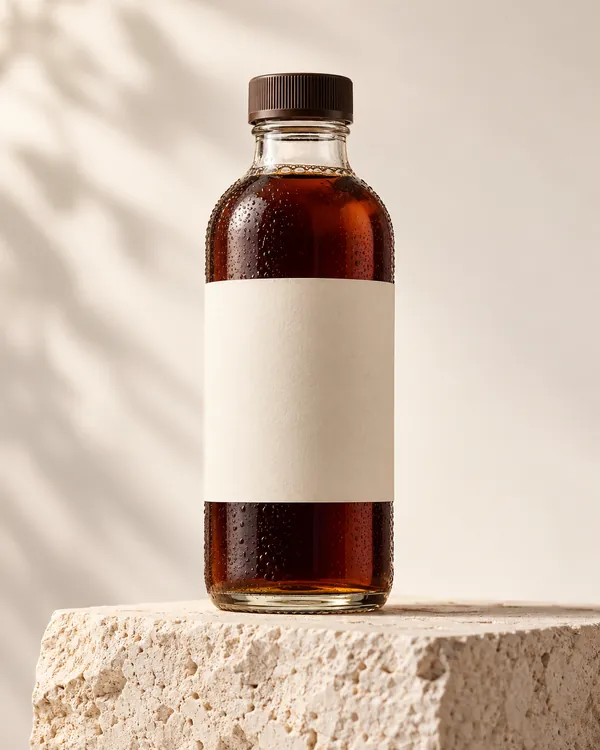
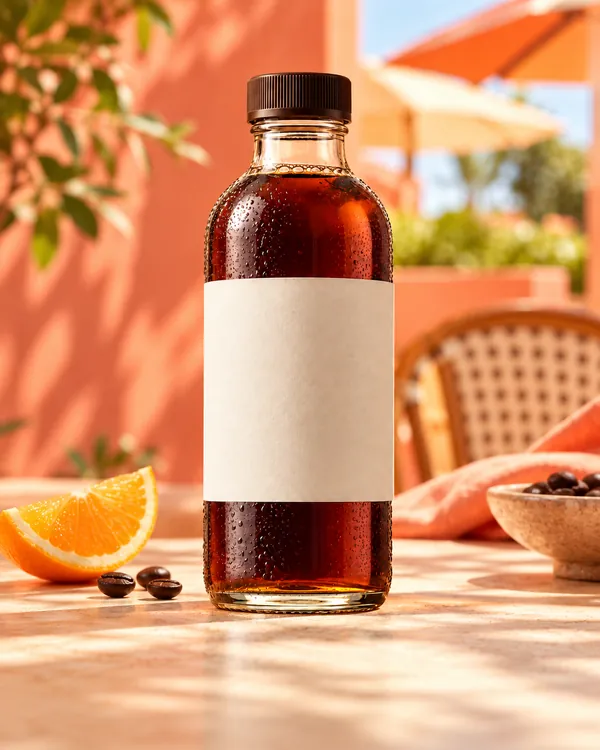
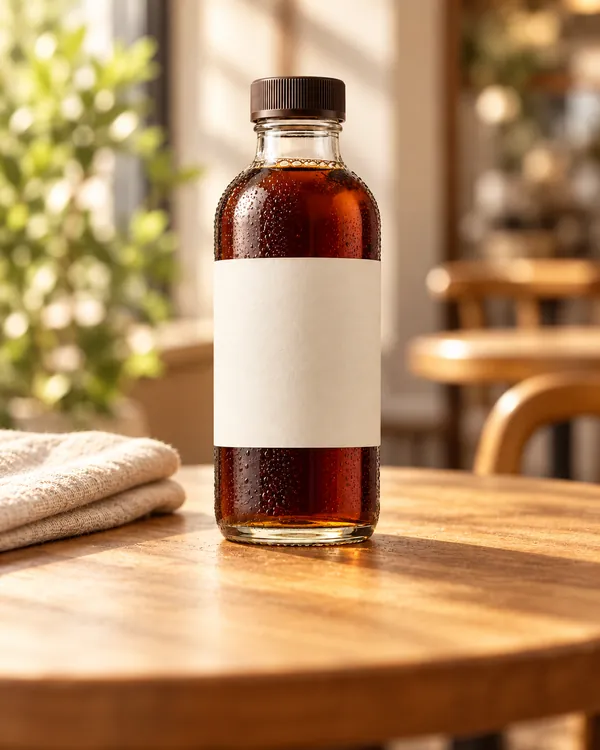
 Before
 After
BackgroundsBackground ChangerSee the same product with a fresh, studio-ready setting.
Try background changer Turn your ideas and product photos into images, designs, sales content, narrated video stories, and music for videos.
 Before
 After
Sample designs to inspire you. Your results follow your brief.
BeforeAfter Flyer
 Social post
 Lifestyle
 Botanical
 Illustration
 Painterly
 Original
 Ink line art
 Skincare
 Footwear
 Beauty
 Fashion
Plan and edit narrated video stories, create music from a prompt, or prepare a soundtrack for a video. Review the workflow and credit quote before you start.
Add a photo, product details, and price. Create matching photos, flyers, and social posts.

Pick what you want to make: an image, design, or sales content.
Describe your idea, add a photo, and choose your settings.
Check the credit cost, generate, then edit or download your result.
Start with 30 trial credits for seven days. No card and no automatic charge. Add a one-time credit pack when you need more AI work.
Create product photos, social graphics, flyers, marketplace copy, WhatsApp sales messages, documents, audio, narrated video stories, and music or soundtracks for videos from guided tools.
Yes. Music Studio can create a track from a prompt or help score a video. Google Lyria uses a music prompt; optional Gemini video analysis has a separate quote. If you request a combined export, CREVOZA saves a new video and keeps your source unchanged.
You see a tool cost before starting. AI work uses credits, selected local utilities are free within their limits, and failed jobs return reserved credits.
You can create business content, provided you have the rights to the material you upload and follow the CREVOZA Terms of Service.
Sales Pack lets you edit your prices, contact details, and QR links. Review these details before sharing.
CREVOZA accepts common formats including JPEG, PNG, WebP, and AVIF. Available download formats depend on the tool you choose.
Yes. Refine your brief, regenerate a visual, reuse a clean product cutout, or continue in a focused image or graphic workflow.
Find the right tool for your next image, video story, or soundtrack.
Explore tools